CONTENT / 01
Find Your Account Settings Quickly
Once you sign in, the account panel sits in the top-right corner of every page. From there you can check your wallet balance, review your deposit history, update your contact details and open a support request — all without navigating away from whichever lobby section you were in. The wallet row shows your current Nagad or Rocket balance separately from any pending transaction, so you always know what is cleared and available.
CONTENT / 02
Explore Slots, Live Casino and More
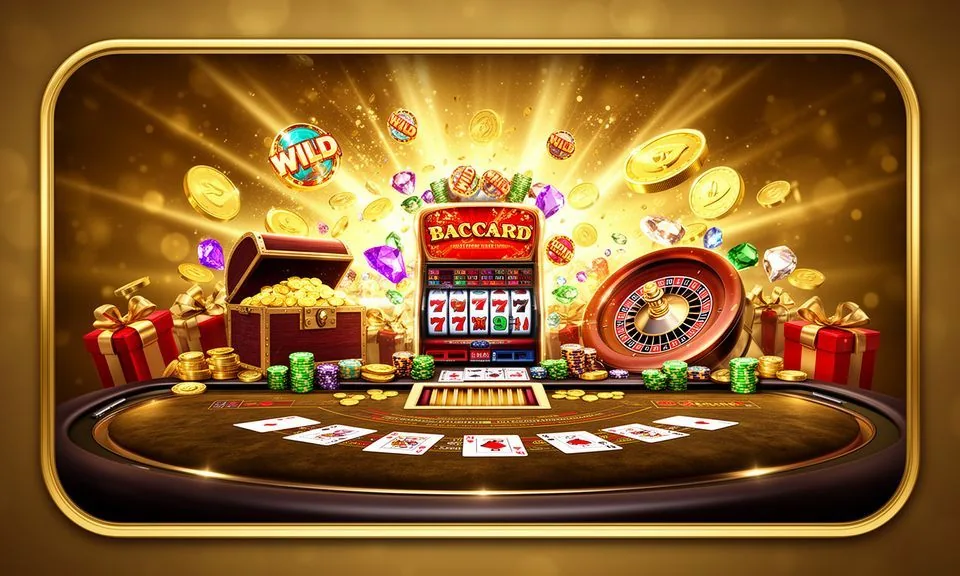
Our lobby organises casino titles, live dealer tables and slots into a single rail so you can scan what is available and open what interests you straight away. Cricket-led sports markets sit in a dedicated tab for when the match schedule catches your attention.
CONTENT / 04
et881 lobby studios
The et881 lobby carries content from Habanero, Spadegaming, PG Soft, Pragmatic Play, Joker, JDB. To check the studio, rules or features of one specific game, open that game card or the published information panel.
-
Habanero
-
Spadegaming
-
PG Soft
-
Pragmatic Play
-
Joker
-
JDB
CONTENT / 03
Open et881 on Any Mobile Device
The platform runs in your mobile browser without a separate download. On Android and iOS, opening et881 in Chrome or Safari gives you the full lobby, your account panel, wallet controls and live support chat — all formatted for a smaller screen. The navigation bar collapses to a three-line menu on phones so the live casino rail, slot lobby and sportsbook tab are still one tap away.
-
Mobile Browser
Access the full lobby, wallet and live support directly in Chrome or Safari — no app download needed. The layout adjusts for your screen size automatically, keeping account controls and deposit routes within one tap at all times.
-
Home Screen Shortcut
Save et881 to your Android or iOS home screen via your browser's Add to Home Screen option. The shortcut opens straight to the authenticated lobby, cutting the steps between unlock and first game or deposit significantly.
-
Device Continuity
Your account state — wallet balance, bet history, session preferences — stays consistent whether you switch from mobile to desktop or back again. A Nagad deposit made on your phone reflects immediately in the same wallet you see on a larger screen.
 Sports / Slots